
Ask for the missing facts, not a longer form.
Design an enquiry around the information your team uses to choose a helpful next conversation.
Connect each field to a specific sales decision.
Start with the handover
Look at what your salesperson needs to do when a request arrives. They may need to confirm the product range, discuss a site constraint, or understand whether the buyer is exploring or ready for a review. Use those tasks to decide which fields belong in the enquiry.
For each question, write down the decision it supports. If the team cannot explain how an answer changes the next step, consider removing the field or making it optional. A long form can collect more text without giving the team more direction.
Let product choices do some of the work
The configuration already contains useful information. Carry the selected product, approximate dimensions, finish, and extras into the enquiry. Do not ask the buyer to describe the same choices again in a message field.
Use the remaining questions for context that the controls could not provide: intended use, location, access, timing, and unusual requirements. Separate a confirmed fact from a preference or an estimate so the salesperson can interpret the brief correctly.
Respect the buyer’s stage
A person comparing possibilities should be able to say that they are still exploring. Another buyer may want a product review or a discussion about next steps. Giving those stages clear names can make the response more relevant.
Avoid treating an unanswered budget question or an early timeline as proof that the person has no useful intent. Explain why information is requested, allow uncertainty where it is reasonable, and give customers a path to ask a question.
Review the form with the receiving team
Give salespeople a small set of sample briefs and ask what they would do next. Find the missing context, the repeated questions, and the fields they ignore. Then review the form on a phone, including error messages and the keyboard.
In production, confirm where the request goes, who owns it, and what the customer is told after submission. For the current Sales Visualizer demonstration, request tools create local drafts. A submitted enquiry service is defined as part of a production implementation.
Worked example: an enquiry with one useful extra question
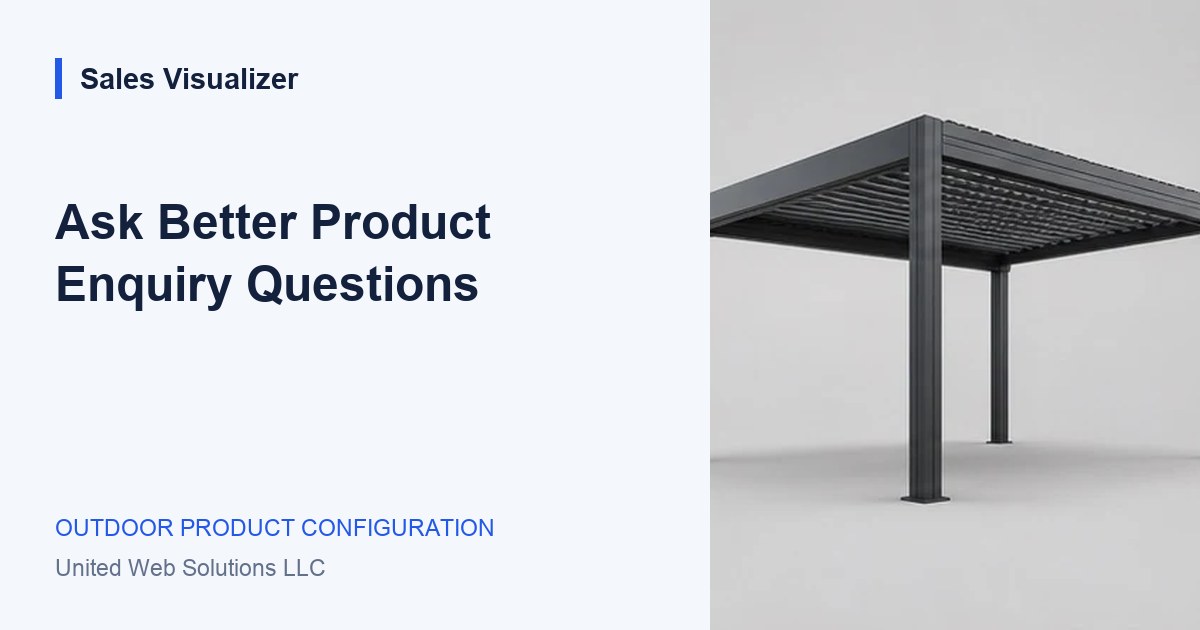
A hypothetical pergola buyer has already selected a footprint and side screen. The team needs to understand the proposed setting.
- Reuse the product choices in the brief.
- Ask whether the proposed structure is freestanding or connected to a building.
- Leave space for the customer’s site question and preferred next step.
Your review list.
- Connect each field to a specific sales decision.
- Carry the existing configuration into the enquiry.
- Let the buyer describe their planning stage.
- Review sample briefs with the team that receives them.
See the next step
in Sales Visualizer.
Explore an illustrative experience, then review your own range and requirements with your team.
Try the sales experience checklist